Passport photos, done right, in minutes.
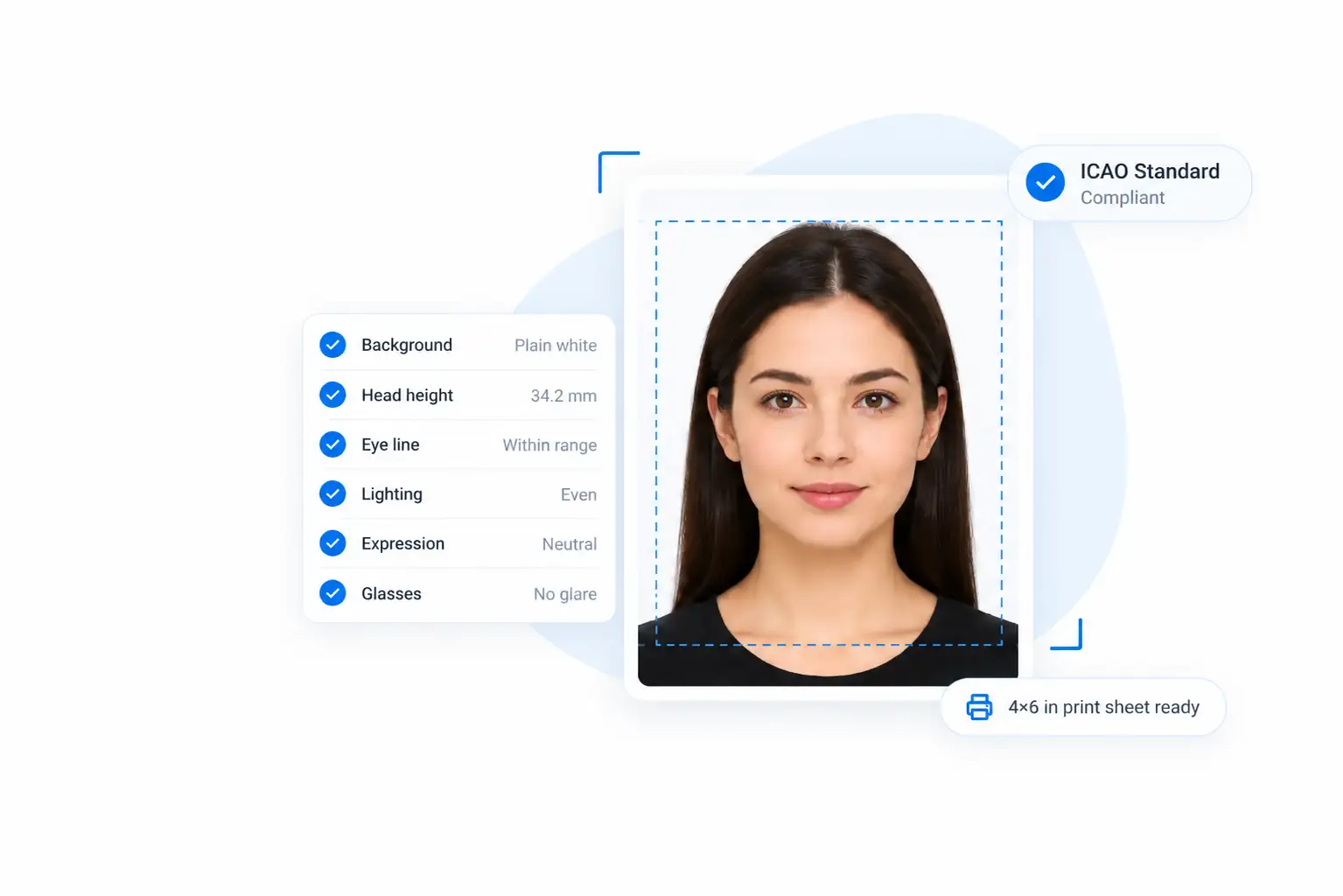
Make a U.S. passport photo online, or choose from 60+ other countries. Upload a photo and the editor crops, resizes, and checks it. Preview the result free, then pay once to download, print, or submit it online.
- No account needed
- Retake as often as you like
- Privacy-first by default
- Countries supported
- 60+
- Preview, no account
- Free
- Time to download
- < 5 min
- Then your result expires
- 7 days
The right photo for
- United States
- United Kingdom
- Canada
- India
- Australia
- Schengen visa
The tool
Make your passport photo online
Choose your country and upload a photo. This photo ID maker builds your passport ID picture and opens it on its own page, ready to download.
How it works
Three steps to a finished photo
You need a phone, a plain wall, and good light. Our maker handles the rest.
- Step 1
Take or upload a photo
Snap a photo with your phone, or pick a recent one. A plain wall and soft daylight work best.
JPEG, PNG or WebP
- Step 2
Pick your country
Choose the U.S. or any of 60+ countries. The maker finds your face and builds your passport picture.
60+ country specs
- Step 3
Download your photo
Save a high-resolution file. Print it at home, send it to a photo lab, or upload it online.
Print or digital file
Features
Built for every photo need
People across the U.S. use our maker and photo ID editor for every kind of application. People in 60+ countries use it too.
U.S. passport photos, made at home
Apply for your first passport, renew with a fresh selfie, make a photo for your child, or get one from anywhere in the world.
- First-time applicants
- Renewals
- Parents and families
- Americans abroad
Print at home or at a lab
Print on photo paper at 100% scale, or send the file to a photo lab or pharmacy counter. Check it with a ruler before you mail it.
Upload a digital photo
Online renewals and e-forms ask for a digital photo. Our editor saves a JPEG you can upload right away.
Ready in minutes
No account, no waiting on a studio appointment. Upload, crop, and download — most people finish in under five minutes.
60+ countries
Beyond the U.S., choose from 64 other photo specs, from the UK and Canada to India and the Schengen visa.
Before you start
Take a photo that's ready to use
Small details like a shadow or a pair of glasses cause most problems. Get these right before you upload. For every rule, see the passport photo requirements.
Do
- Plain white or off-white background
- Even light, with no shadows on your face or behind you
- Neutral expression or a natural smile, both eyes open
- Face the camera straight on, head centered
- Taken within the last six months
Avoid
- Glasses (unless you have a doctor's statement)
- Hats or head coverings*
- Filters, retouching, or AI edits
- Uniforms or camouflage clothing
- Patterns, objects, or other people in the frame
*Allowed for religious or medical reasons with a signed statement. These tips follow U.S. rules; other countries differ.
Resources
Passport photo tools and guides
Plain-English explanations of official rules, with links to the agency sources we used.
Photo tools
All tools- tool
2x2 Photo Maker: Make a 2 Inch by 2 Inch Photo Online
Make a 2 × 2 inch photo for U.S. passports, visas and green cards.
- tool
Australia Passport Photo: Size, Rules and Online Maker
Make a 35 × 45 mm photo that follows Australian passport rules.
- tool
British passport photo maker: UK size, online
Make a UK passport photo at 35 × 45 mm or as a 600 × 750 px digital file.
- tool
Make an India Passport Photo Online in Minutes
Make a 35 × 45 mm photo for Indian passports or a square photo for e-Visas.
- tool
New Zealand Passport Photo Online: Crop, Resize and Check (900 × 1200 px)
Crop, resize, and check your passport photo to DIA specs.
- tool
Convert Any Photo to Passport Size: Crop, Resize and Fix the Background
Turn a photo you already have into passport size.
- tool
Passport photo editor
Crop, size and check a passport photo for the U.S. and 60+ other countries.
- tool
Print Passport Photos Online, at Home or at a Photo Lab
4 × 6 layouts, paper and printer settings for 2 × 2 prints.
- tool
Schengen visa photo maker: make a 35 × 45 mm photo online
Make a 35 × 45 mm Schengen visa photo and check head size and background.
- tool
US Visa Photo Editor: Crop, Resize and Check Your DS-160 Photo
A square JPEG sized and checked for the DS-160 visa upload.
Guides
All guides- guide
British passport photo rules: size, background and requirements
Every GOV.UK rule for a British passport photo, in inches, mm and pixels.
- guide
Driver License Picture: DMV Photo Requirements and Tips
DMV photo requirements, what to wear, glasses and smile rules, and retakes.
- guide
U.S. passport photo requirements: a complete checklist
Every U.S. passport photo rule in one place — size, head height, background, glasses, expression, clothing, and printing — with links to the official sources.
- guide
Schengen visa photo size and requirements: 35 × 45 mm explained
The 35 × 45 mm Schengen visa photo: size, face height, background, and printing.
Our standards
How we work
Clear about your data
We tell you before a photo uploads, expire your result page after 7 days, and never sell your information.
Checked against official sources
Our guides cite the Department of State and other agencies, and show when we last reviewed them.
Honest about limits
We explain what our tools can and can't do. The agency reviewing your application has the final say.
Read our editorial policy and content methodology.
FAQ
Passport photo online: frequently asked questions
Can't find your answer? See the full FAQ.
Is this passport photo maker free?
Partly. Uploading, previewing and checking your photo is free, with no account. Downloading the full-resolution file is a one-time paid purchase (from $7.99 in U.S. dollars, priced in your local currency in some countries), with a refund if a government agency rejects the photo. If you print at a store or lab, that business sets its own price.
Can I make my own U.S. passport photo online?
Yes. The State Department accepts photos you take yourself, as long as they meet its rules. Take a clear, front-facing photo, upload it, and let the maker build your U.S. passport picture.
Will the State Department accept a photo I made online?
It will if the final photo meets the official rules. How you made the photo doesn't matter. Our tool prepares the file, but the agency reviewing your application makes the final decision.
Can I make a passport photo for another country?
Yes. Choose your country in the tool, and it formats the photo for that country. Over 60 countries are available.
Is this also an ID photo editor online, not just for passports?
Yes. Beyond a passport ID picture, our photo ID maker also builds visa photos, 2x2 ID photos, and other official ID photo formats. Pick the format you need in the tool.
Can I print my passport photo at home?
Yes. Print it on photo-quality paper at 100% scale, or send the file to a photo lab or pharmacy counter. Check the printed result with a ruler before you mail it.
How long does it take to make a passport photo online?
Most people finish in a few minutes. Taking a good photo takes the longest. Processing takes up to a minute, and then you can download your file.
Make your passport photo today
Skip the photo booth. Make your photo from home in a few minutes. Preview it free, with no account, and pay only to download.
Passport photo online
Free preview, ready in minutes